






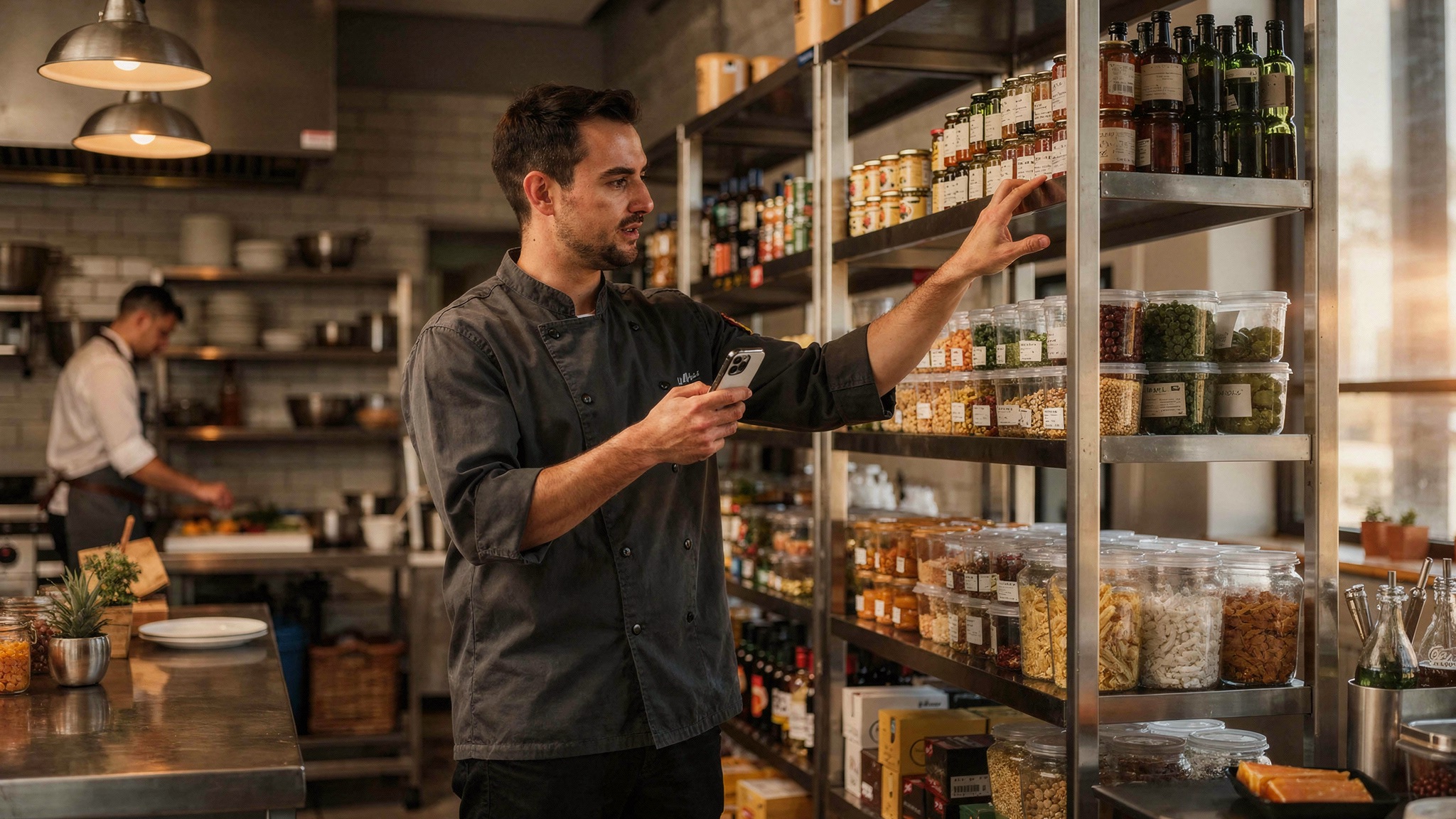
Excel hat vielleicht gereicht, als Sie Ihr Restaurant eröffnet haben. Wenn Sie aber noch immer Tabellen nutzen, um den Lagerbestand zu verwalten, Rezeptkosten zu berechnen und Warenbestände zu überwachen, arbeiten Sie aufwändiger als nötig.
Das Problem liegt nicht in Excel selbst, sondern darin, dass es nicht für den Gastronomiebetrieb entwickelt wurde. Es schlägt keine Alarm, wenn sich Lieferantenpreise ändern. Es erkennt Abweichungen nicht automatisch. Und eine einzige falsche Formel kann Ihre gesamte Kostenstruktur durcheinanderbringen, ohne dass Sie es bemerken, bis es zu spät ist.
Lagerverwaltungssoftware wurde genau für diese Probleme entwickelt. Restaurants, die den Wechsel vollziehen, kehren nicht mehr zurück.
Was Excel Ihr Restaurant wirklich kostet
Manuelle Lagerprozesse wirken beherrschbar, bis Sie ausrechnen, was sie Sie tatsächlich kosten.
Zeit
Aufgaben rund um die Lagerverwaltung beanspruchen schnell mehr als 10 Stunden pro Woche. Lieferantenrechnungen erfassen, Rezeptkosten aktualisieren, Inventuren abgleichen: das summiert sich erheblich. Das ist Zeit, die Ihnen für die Verbesserung des Service, die Schulung Ihres Teams oder die Analyse Ihrer Gewinnbringer fehlt.
Fehler
Ein einziger Fehler zieht alles nach sich. Ein falscher Zellbezug. Eine versehentliche Löschung. Ein Kopier-Fehler in einer Wareneinsatz-Formel. Plötzlich stimmen Ihre Wareneinsatzquoten nicht mehr, Bestellungen sind falsch, und Sie sitzen auf Lagerbeständen, die Sie nie gebraucht hätten.
Verpasste Erkenntnisse
Excel denkt nicht für Sie. Wenn Zutatenpreise in der Monatsmitte steigen, bemerken Sie es erst, wenn Sie manuell einen Bericht erstellen. Wenn Rezeptmargen unter die Zielmarge sinken, fällt es Ihnen möglicherweise erst nach Monatsende auf. Wareneinsatz-Tracking erfordert ständige Aufmerksamkeit. Tabellen warten einfach darauf, dass Sie sie prüfen.
Wie automatisierte Lagerverwaltung in der Praxis funktioniert
Eines vorab: Digitale Lagerverwaltung beseitigt nicht jeden manuellen Schritt. Sie werden weiterhin Inventur machen. Aber statt Zählungen auf Papier festzuhalten oder in Zellen einzutippen, erfassen Sie sie direkt in einer mobilen App.
Der Unterschied: Das System kennt Ihre Zutatenpreise bereits aus gescannten Rechnungen. Es ist mit Ihrem Kassensystem verbunden. Die Berechnungen laufen automatisch ab.
Automatisierte Lagerverwaltung bedeutet, dass die Software:
- Positionsdaten aus Lieferantenrechnungen erfasst, ohne manuelle Eingabe
- Zutatenkosten in Echtzeit über alle Rezepte aktualisiert
- Theoretischen und tatsächlichen Verbrauch auf Basis der Kassendaten berechnet
- Abweichungen automatisch erkennt und meldet
- Nachbestellmengen auf Grundlage historischer Verbrauchsmuster vorschlägt
Sie treffen weiterhin die Entscheidungen. Die Software übernimmt die Berechnungen, das Tracking und die Warnmeldungen.
Von der Tabelle zur digitalen Inventur
Wenn Excel Ihr wichtigstes Werkzeug für Preisänderungen, Rezeptmargen und Abweichungsanalysen ist, erledigen Sie Arbeit, die die Software übernehmen sollte.
Rechnungsverarbeitung
Sobald Rechnungen gescannt werden, extrahiert Lagerverwaltungssoftware die Positionsdaten automatisch. Zutatenkosten aktualisieren sich im Hintergrund. Rezeptmargen werden sofort neu berechnet, ohne dass Sie eine einzige Formel anfassen müssen.
Inventur
Digitale Inventur verwandelt eine bisher mühsame Aufgabe in verwertbare Erkenntnisse. Das System vergleicht:
- Was Sie eingekauft haben, aus den Rechnungen
- Was Sie hätten verkaufen sollen, aus den Kassendaten
- Was physisch noch vorhanden ist, aus Ihrer Zählung
Es zeigt Ihnen, was fehlt, was verloren gegangen ist und was mehr kostet als geplant. Sie zählen nicht mehr nur, Sie identifizieren Verluste.
Rezeptkostenmanagement
Ihre Rezepte leben im System, nicht in Tabellen. Wenn sich Lieferantenpreise ändern, aktualisiert das Rezeptkostenmanagement die Margen sofort. Sie sehen, welche Menüpositionen noch profitabel sind und welche eine Preisanpassung erfordern, bevor der Monat endet.
Wie der Umstieg in der Praxis aussieht
Der Wechsel von Excel zu automatisierter Lagerverwaltung klingt aufwändig. Er ist es nicht.
Die Einrichtung dauert 48 Stunden. Sie stellen Ihre Daten bereit: Artikel, Rezepte, Lieferantenlisten, Kassensystem-Zugangsdaten. Das Implementierungsteam übernimmt:
- Import aller Lagerartikel
- Laden der Rezepte mit aktuellen Kosten
- Verknüpfung von Kassensystem und Buchhaltungsintegration
- Konfiguration von Warnmeldungen und Berichten
Das Training dauert 25 Minuten. Eine einzige In-App-Einführung deckt alles ab, was Ihr Team braucht: Inventuren erfassen, Rechnungen scannen, Abweichungsberichte lesen.
Die Eingewöhnung dauert ein bis zwei Wochen. Manche Teams brauchen etwas Zeit, um dem neuen System zu vertrauen. Sobald sie sehen, wie viel schneller digitale Inventur im Vergleich zu Excel ist, möchten sie nicht mehr zurück.
Warum Restaurants Excel nicht vermissen
Tabellen aufzugeben bedeutet nicht, die Kontrolle zu verlieren. Es bedeutet, echte Kontrolle zu gewinnen.
Inventursoftware bündelt alles an einem Ort:
- Aktuelle Zutatenkosten, ohne manuelle Preisaktualisierungen
- Automatische Wareneinsatz-Berechnung, ohne fehleranfällige Formeln
- Abweichungsanalyse, ohne Rätselraten über Verlustquellen
- Forecasting mit datenbasierten Nachbestellvorschlägen
Der ROI zeigt sich schnell. Die meisten Restaurants, die Lagerverwaltungssoftware nutzen, sehen die Amortisierung innerhalb weniger Wochen:
- Mehr als 10 Stunden Ersparnis pro Woche bei manuellen Aufgaben
- Weniger Bestellfehler durch reduzierten Überbestand und weniger Engpässe
- Bessere Margentransparenz, um sinkende Gewinne frühzeitig zu erkennen
- Weniger Lebensmittelverschwendung durch Abweichungsanalysen, die Überportionierung und Schwund aufdecken
Viele Restaurants haben den Schritt bereits gemacht. Sie können es auch.
Bereit, Tabellen hinter sich zu lassen? Erfahren Sie, wie Stockifi die Lagerverwaltung für Restaurants, Bars und Hotels automatisiert.