






Faster counts
Stock counts run on mobile, with pattern recognition, even offline, and syncs when you're done.
Inventory transfers
When stock moves between your locations, you make the move in Stockifi against the period's count. Each site's count and cost stay right, which keeps the group's numbers reconciled.
How it works
When stock needs to go to another site, you make the move in Stockifi, alongside your usual comms, and the transfer becomes part of how the kitchen runs. The stock leaves the sending site's count and joins the receiving one's, and each site's variance reflects what it actually used.
You move stock in Stockifi as the need comes up.
Stock leaves one site's count and joins the other's.
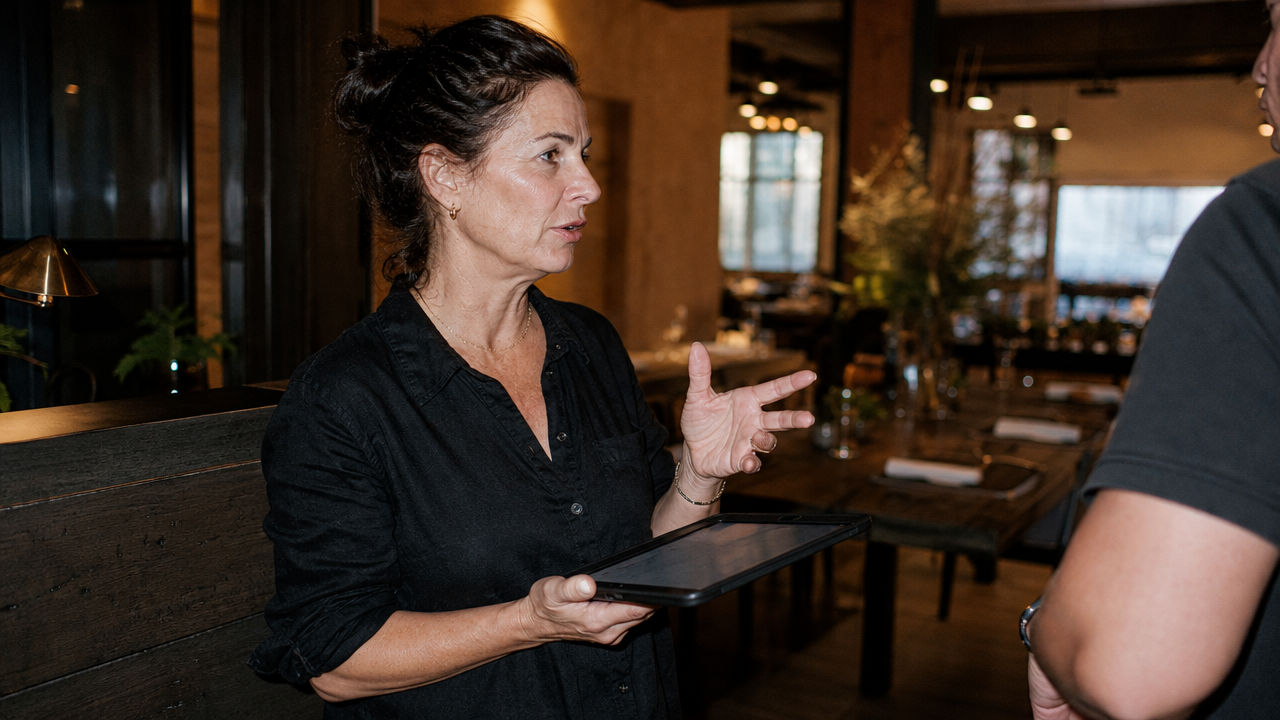
Stock counts run on mobile, with pattern recognition, even offline, and syncs when you're done.
Waste and spoilage are logged at cost, so the numbers mean something when you close a count.
Stockifi compares what your kitchen consumed every period against what its recipes called for.
Every dish is costed from live ingredient prices, so margins reflect what you actually pay.
What operators ask before a demo. Still unsure? Reach out and we'll help.
Transfers are accounted for within the count period rather than tracked live, in line with how Stockifi handles inventory: periodic counts with variance analysis.
At the real cost of the stock that moved. The sending site's cost goes down and the receiving site's goes up by the same amount.
The stock shows as used at the site it left and as surplus at the one it reached. Both sites' variance stays off until you make the move in Stockifi.
No. Transfers happen in the app against your count, which means they work wherever you run stock counts, with no extra integration.